The Nintendo Switch 2 system update adds docked VRR for smoother TV play, plus virtual game card fixes and Handheld Mode Boost.
I've been poking around the new Nintendo Switch 2 system software update, and I have to say: this is one of those patches that looks modest on paper but changes how I actually use the console. The headline for me is docked Variable Refresh Rate. Until now, I associated VRR with handheld mode on this system, so seeing it arrive for TV play is a pleasant surprise. Does that sound like a small bullet point? Not if you have a TV that supports it.
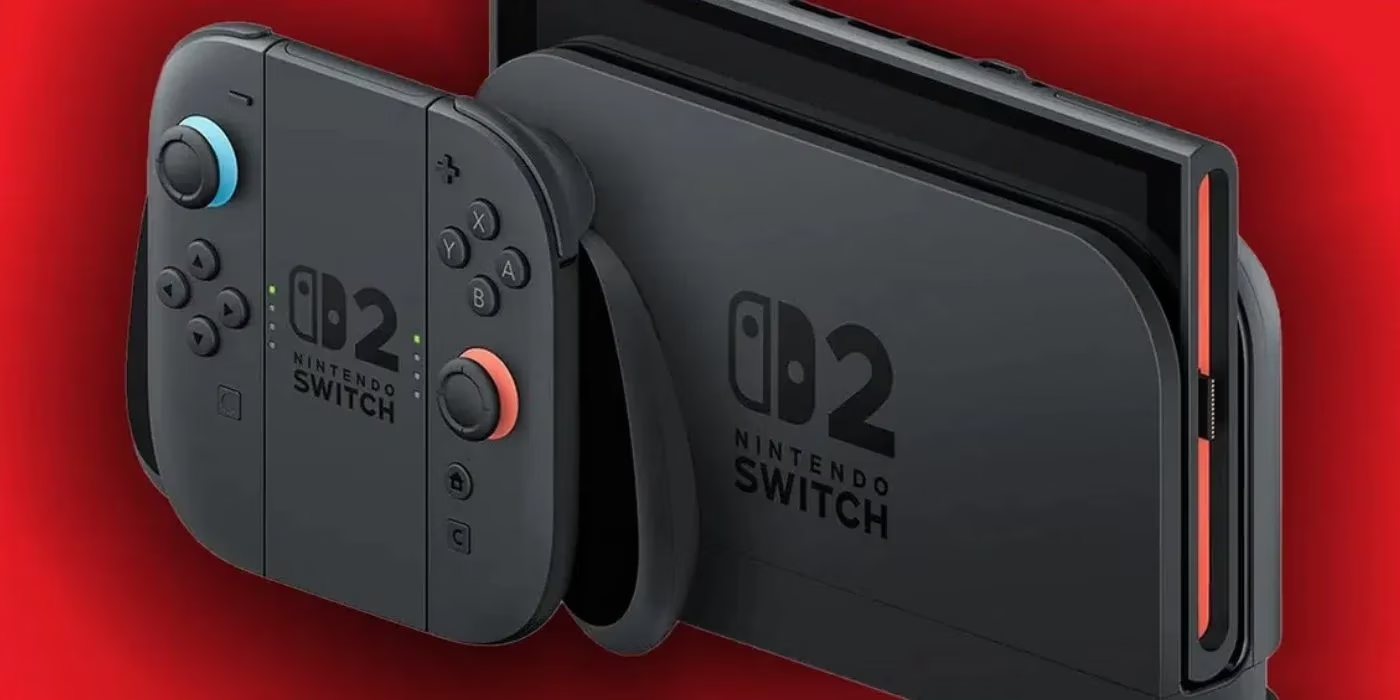
Docked VRR finally feels like the main event
The update adds VRR output in TV mode, and that is the change I care about most. When both the software and the TV support it, the console outputs video at a refresh rate that matches the game's processing. In plain terms, I should see smoother motion and fewer of those little timing mismatches that can make a fast game feel less consistent. There is one catch: I need to update the Nintendo Switch 2 dock for this to work. I immediately checked whether my TV supports VRR, and I suspect a lot of players will do the same. Is that inconvenient? A little. But it is also the kind of feature that makes docked play feel more premium.
Virtual game cards get a practical escape hatch
The virtual game card system has always been a bit rigid for someone like me who owns more than one console. This update adds a useful fallback. If I start a game and cannot move the virtual game card from another console I own, I can temporarily play the software with an online license. If the other console is offline and cannot move the card, a Play with Online License button appears. The important detail is that only the person who purchased the software can use this online license. I like this because it respects the purchase while removing some of the friction from everyday play. Why should a offline console block me from playing something I bought? That is exactly the kind of question this update answers.
Handheld Mode Boost and controller freedom
Nintendo also added a toggle in the quick settings menu for Handheld Mode Boost. I can turn the setting on, then hold the HOME button and switch boost on or off from the quick menu. That is a small quality-of-life change, but I appreciate it because I do not want to dig through menus every time I want to change how the system behaves. The update also lets me use other controllers even when Joy-Con 2 controllers are attached to the main unit. For me, that means less detaching and reattaching. I can leave the Joy-Con 2 where they are and still use a Pro Controller or another pad. It is not flashy, but it is the sort of change I notice every single session.
Whole Transfer makes upgrading less painful
Another addition is support for Whole Transfer between Nintendo Switch 2 systems. I can move all the data from one Switch 2 to a new Switch 2, including save data and screen photos. I have helped friends set up new consoles before, and the process is always more emotional than it should be. Nobody wants to lose screenshots or saves because they upgraded. This feature makes the move feel safer, and it fits the way I think about modern console ownership: my data should follow me, not stay trapped on old hardware.
The small changes I actually notice
The patch notes I read were translated from Nintendo Japan, so some wording may change when the English notes appear. Still, the list is packed with little improvements that add up.
| Change | Why I care |
|---|---|
| Game Chat improvements | I can see chats I have participated in, and I can enter a new room without choosing a single friend first. |
| Screen size button in chat | Pressing the C button during chat now gives me a quick way to change the screen size. |
| Virtual Game Card settings | I can check the registration status of the main unit from the virtual game card list. |
| Mii QR codes | I can use a Mii as a QR code to interact with other users. |
| Mii edit BGM | BGM now plays on the Mii edit screen, and I can switch or stop it from the BGM setting button. |
| Portuguese (Brazil) support | Speech reading and Game Chat audio-to-character conversion now include Portuguese (Brazil). |
| TV sound settings saved per TV | My audio settings are saved for each TV I connect, which is great if I move between rooms. |
| Video output information | The old display item is renamed so I can check detailed video signal information for the connected TV. |
| VRR setting | I can now find a dedicated VRR setting under Display. |
| Wake-up sound preview | When I change the wake-up sound volume for TV play, I can preview the sound on the spot. |
| Play time aggregation | Play time for the same software across multiple consoles is now added together on My Page. |
My verdict
As of 2026, I think this is a meaningful update for docked players, multi-console owners, and anyone who likes their settings to be flexible. Docked VRR is the star, but the virtual game card fallback and Whole Transfer might be the features I use most often. I am mostly a handheld player, but I still dock my Switch 2 often enough that smoother TV play matters to me. So yes, this is a big deal in my book. What about you? Are you excited about docked VRR, or are you still happy to stay in handheld mode?